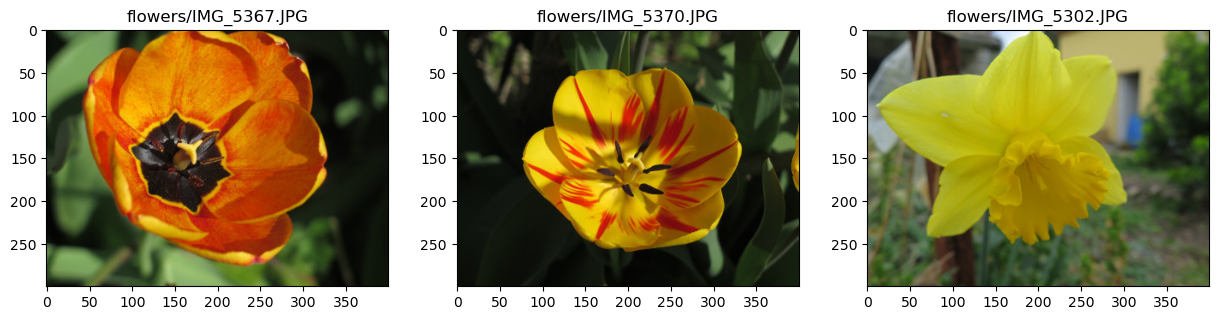
Open a new notebook.
Download and unzip flowers.zip in the same folder as your notebook.
Create a list with the name of the images contained in flowers.zip. Instead of listing manually the images, you can look for a code on the web, as for example in Stackoverflow.
Print the number of images.
Define a figure with as many subplots as images with
matplotlib.pyplot.subplots.Display each images in a specific subplot. Use an automatic way by using a for loop on the list creater earlier.
Objectives
Load several images by using a loop.
Display several images on the same figure.
List the images
Suppose the images are stored in the folder “flowers”.
From this page, a code to list the files with extension JPG are given by:
import glob
images = glob.glob('flowers/*.JPG')
images is a list that contains the file name of each image:
N = len(images)
print(f"Il y a {N} images :")
for f in images:
    print(f)
Il y a 3 images :
flowers/IMG_5367.JPG
flowers/IMG_5370.JPG
flowers/IMG_5302.JPG
Display the images
Now we can create a figure with as many axes as images in the list:
import matplotlib.pyplot as plt

fig, axs = plt.subplots(1,N)
plt.show()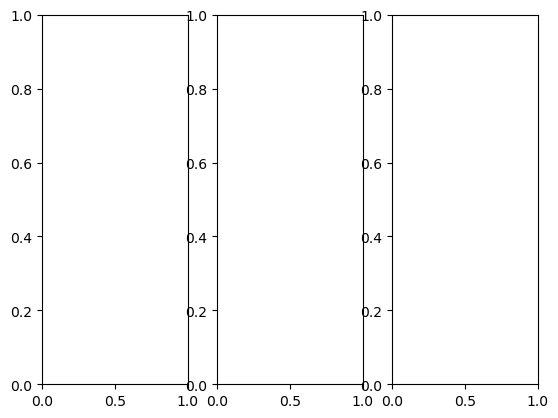
... and change the previous code to show each image in each axis:
import skimage.io as io
import matplotlib.pyplot as plt

# Figure with 1 row, N columns, and a specific size
fig, axs = plt.subplots(1,N, figsize=(15,5))

# Counter for the axes
i = 0

# Loop over the images
for f in images:

    # Load the image
    img = io.imread(f)

    # Display the image in the axe i
    axs[i].imshow(img)

    # Add a title with the filename
    axs[i].set_title(f)

    # Increment the counter
    i = i + 1

# Finally, show the figure
plt.show()